
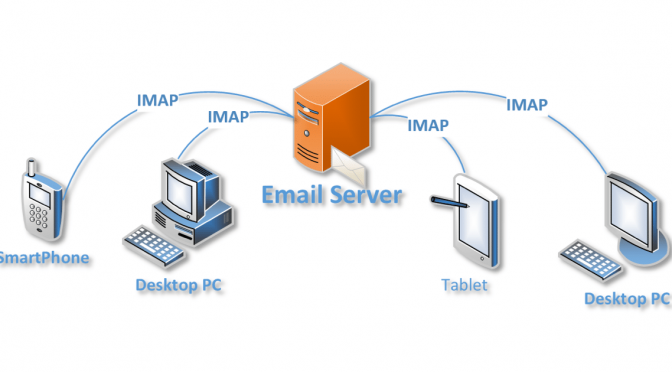
When moving from one hosting provider to another, they often provide tools/assistance to move your websites, but, you are often left on your own to migrate your emails across.
Looking around I came across imapsync a linux CLI tool that can quickly and easily move your IMAP mailbox from your old to your new host.
On initial inspection it appears very complex, however, it is a very flexible tool and using the basic settings will normally achieve what you are trying to do –
imapsync --host1 <address of server to move from> \
         --user1 <username on server to move from> \
         --password1 <password on server to move from> \
         --host2 <address of server to move to> \
         --user2 <username on server to move to> \
         --password2 <password on server to move to>
Generally, the above should be all that you need, however, if your server(s) are using ‘ssl’ or different ports for connections then you may need to add them as options
--ssl1 and/or --ssl2 to enable ssl on source, destination, or both.
--port1 nnn and/or --port2 nnn